 CuraCourse
At a glance
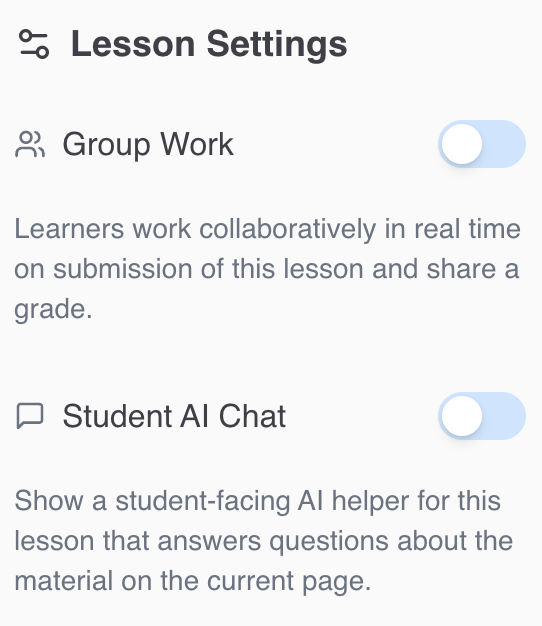
Lesson Settings toggles collaborative submission (Group Work) and the learner-facing Student AI Chat helper for the current lesson.
Prerequisites
- Lesson open → Lesson Settings in the right sidebar.
Steps
-
Open Lesson Settings.
-
Group Work (standard lessons only):
- Turn Group Work on.
- Choose Select Assignment Group (required when enabled).
- Optionally open Edit Assignment Group to adjust groups in course settings.
-
Student AI Chat:
- Turn on to show an AI helper that answers questions about material on the page.
Changes save automatically when you toggle or change the assignment group.
Common gotchas
- Enabling group work without an assignment group leaves a validation state until you select one.
- Group work changes who shares a submission document and grade—coordinate with Access Policy for group targets.