 CuraCourse
At a glance
Course Settings centralizes roster, enrollment, collaboration, shared code files, numbering, and billing for one course. Open it from Settings on the course dashboard.
Prerequisites
- Instructor (or equivalent) access to the course.
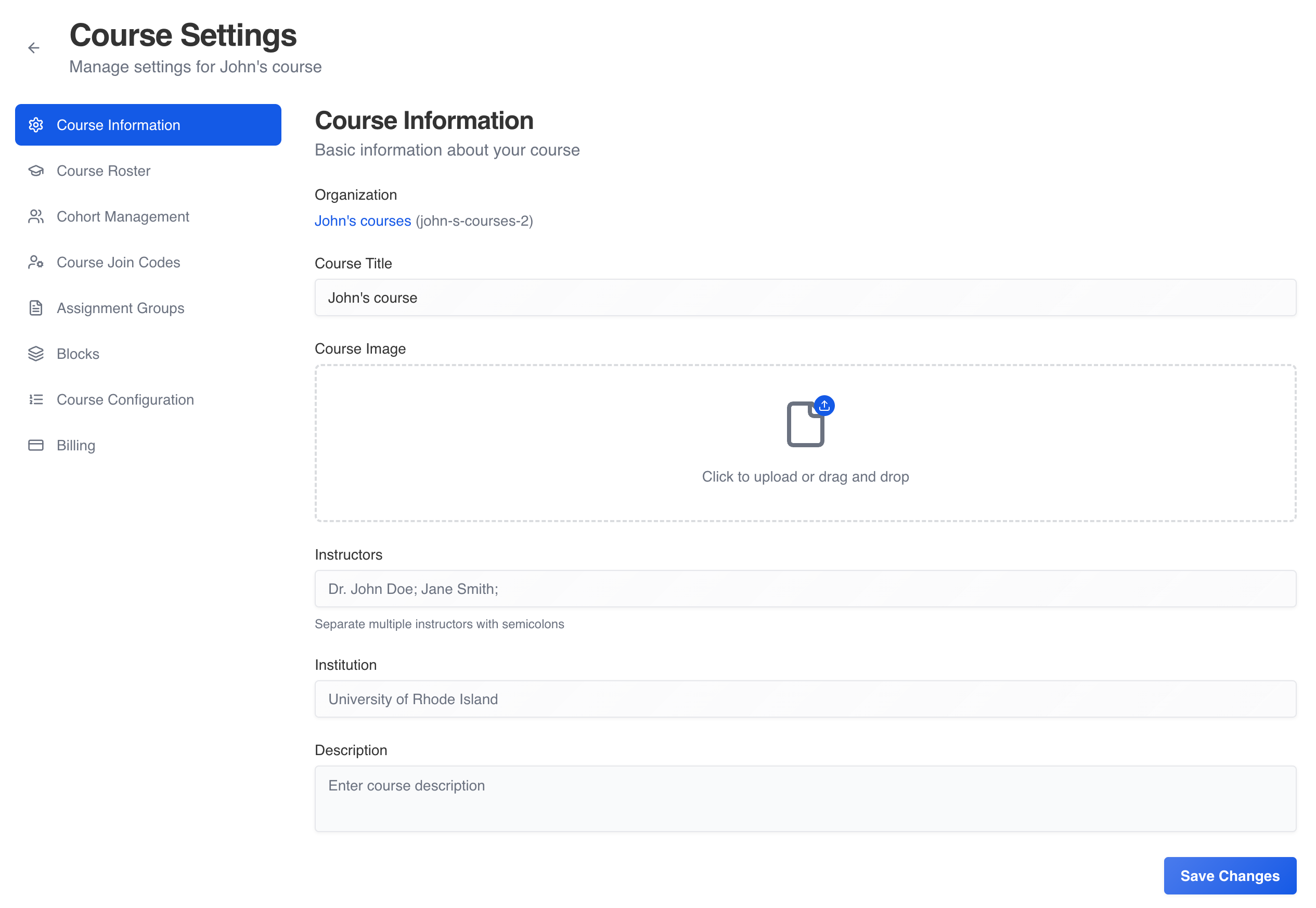
Steps
- On the course dashboard, click Settings.
- Use the left sidebar to open each area:
| Menu label | What you do there |
|---|---|
| Course Information | Title, description, image, instructors |
| Course Roster | Enrolled learners, names, remove/re-enroll, enrollment periods |
| Cohort Management | Cohorts for targeted policies and filters |
| Course Join Codes | Codes for learners, instructors, assistants |
| Assignment Groups | Pools of groups for group-work lessons |
| Blocks | Shared code library for code-editor activities |
| Course Configuration | Lesson numbering (automatic, hidden, manual) |
| Billing | Learner pricing (learner-paid orgs) or institution contract info |
- Return to the course via the back control in the settings header.
Common gotchas
- Billing content depends on organization billing mode; institution-paid courses show contract tier, not per-course learner prices.
- Join codes for learners on paid or institution courses may require an enrollment period (see join-code article).