 CuraCourse
At a glance
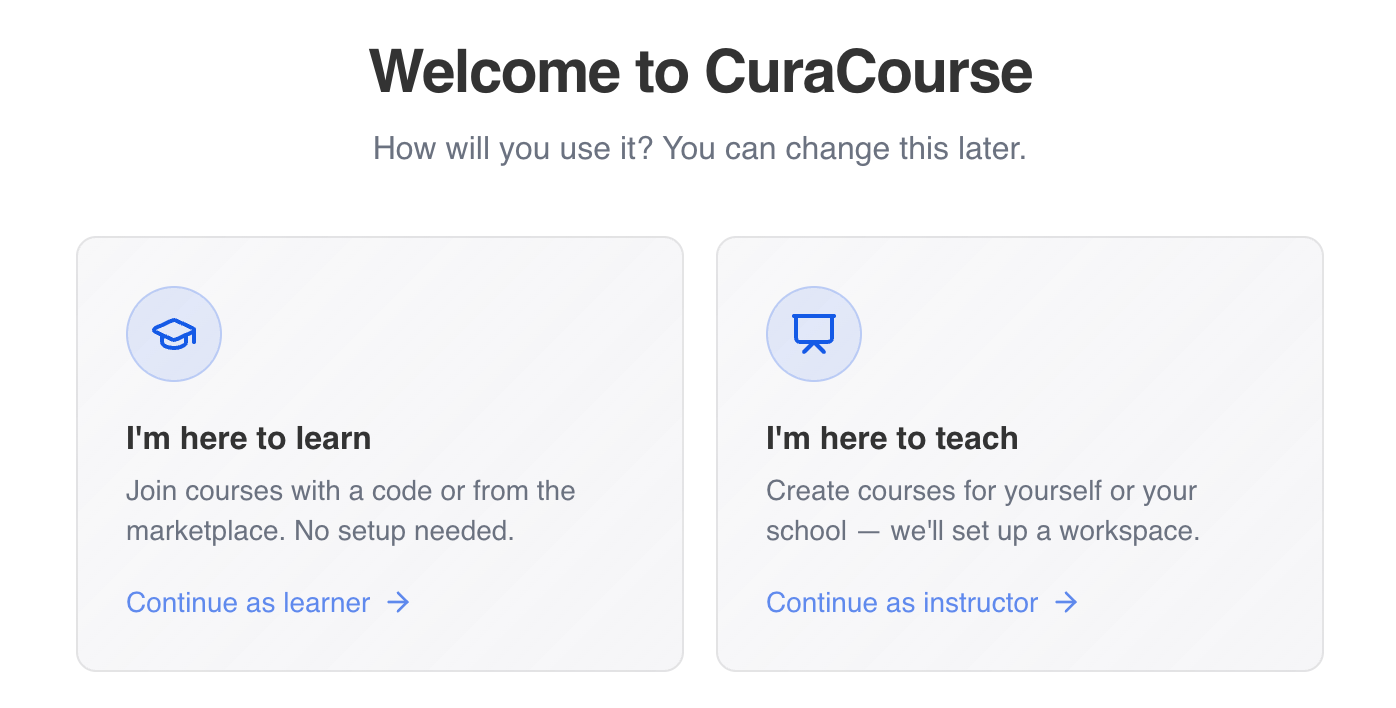
When you first sign in, CuraCourse asks whether you’re here to learn or teach. Instructors need the teaching path (or Start teaching later) before they can create courses.
Prerequisites
- A CuraCourse account (sign up or sign in).
Steps
-
Sign in and open the app. If you haven’t chosen a path yet, you’ll land on Welcome to CuraCourse.
-
Read the two options:
- I'm here to learn — Join courses with a code; no workspace setup.
- I'm here to teach — Set up a workspace and create courses.
-
Select Continue as instructor (or Continue as learner if you only need to take courses).
-
If you chose teach, you’ll continue to Set up your workspace (see article 02).
You can switch later: learners use Start teaching on the dashboard or under your profile icon to open workspace setup.
Common gotchas
- Continue as learner is disabled if you’re already set up as an instructor on that account.
- Teaching requires an organization where you are owner or admin before Create course appears.