CuraCourse
At a glance
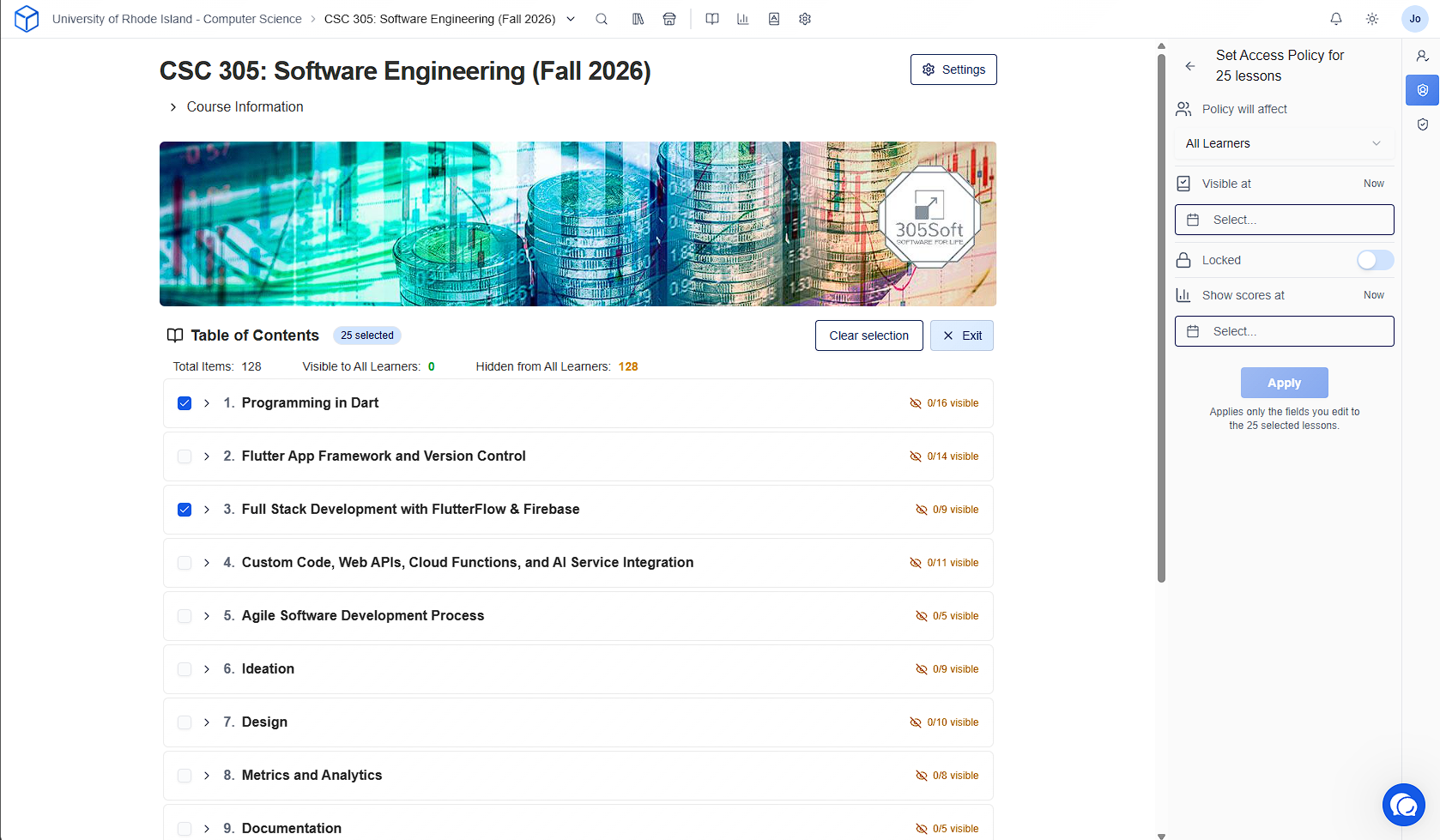
Select multiple lessons in the Table of Contents and apply an Access Policy or Score Policy to all of them at once, using the same sidebar panel you already use on a single lesson.
Prerequisites
A course you can manage (instructor or assistant with content permissions).
Course page → Table of Contents.
Steps
-
Open the course from the dashboard.
-
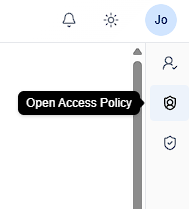
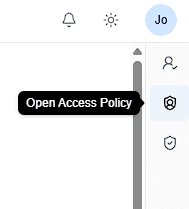
From the right side bar, select “Access Policy“ or “Score Policy“ to open their respective panels.
-
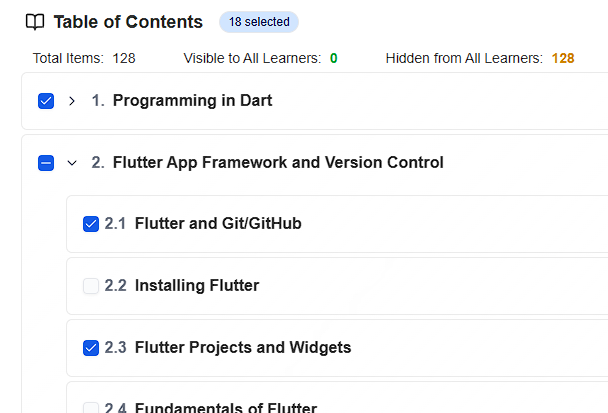
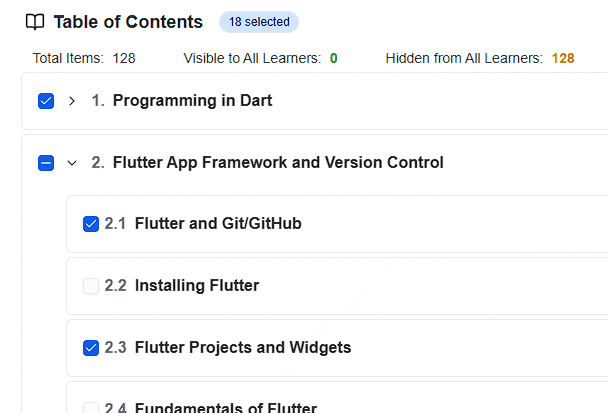
Check the lessons you want to change. Checking a module selects every lesson inside it; unchecking one of those lessons leaves the module in an indeterminate state so you can see the selection is partial.
-
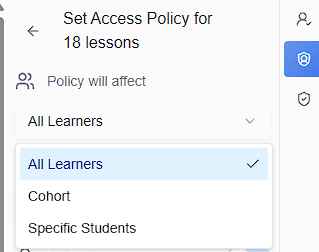
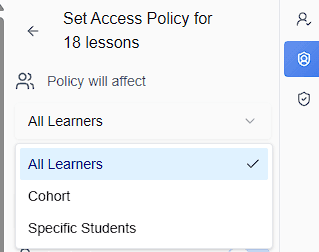
Set Policy will affect to “All Learners”, “Cohort”, or “Specific Students”, then pick the target when required.
-
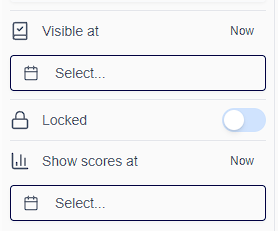
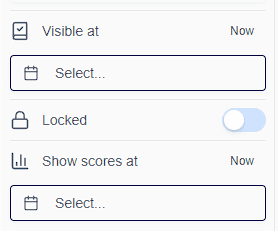
Configure the policy as you would on a single lesson.
-
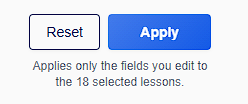
Click “Apply“. The policy applies to every selected lesson and the Table of Contents visibility counts update.