 CuraCourse
Real-time group work
Teamwork you can see.
Students work on the same lesson together, see each other’s edits live, and turn in one shared submission.
What it looks like
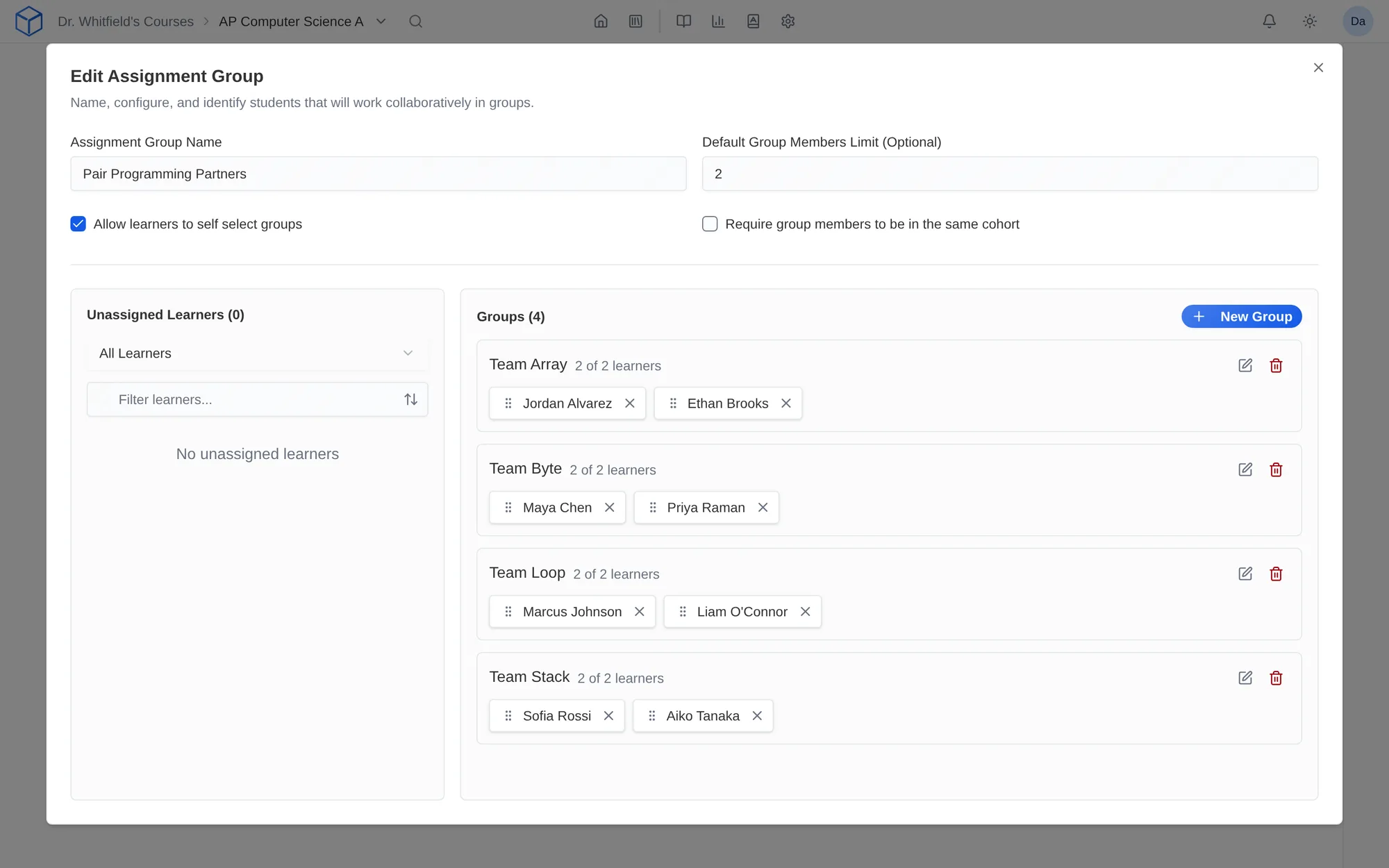
How do I use it?
- Create assignment groups in Course Settings.
- Turn on Group Work in a lesson’s settings and choose the groups.
- Students work on the lesson together and submit once.
Features
Groups your way
Assign groups yourself, divide the class evenly, or let students choose, with optional size limits.
Working together, live
Group members edit the same lesson at the same time and see each other’s changes as they happen.
One submission per group
The group shares a submission and a grade, so you grade once per group.
Why faculty use it
- Pair programming, lab write-ups, and problem sets happen in the same place as the rest of the course.
- You grade one submission per group.
In a STEM course
Lab partners in Physics II fill in a shared data table and analysis from two different laptops.
Questions
Which plans include group work?
Group work comes with the Core and Pro student plans.
Works with other tools
Use these together in the same course.