 CuraCourse
Grade work against your own criteria.
Build a rubric for any activity, and grade each part by hand, with AI, or with code tests.
What does it do?
Grade with a rubric, the way you already do. Score each part by hand, with AI, or with code tests, and review it all in one place.
Who is it for?
Teachers and teaching assistants
Grade every submission against the same clear criteria.
CS instructors
Combine automatic code tests with your own judgment.
What it looks like
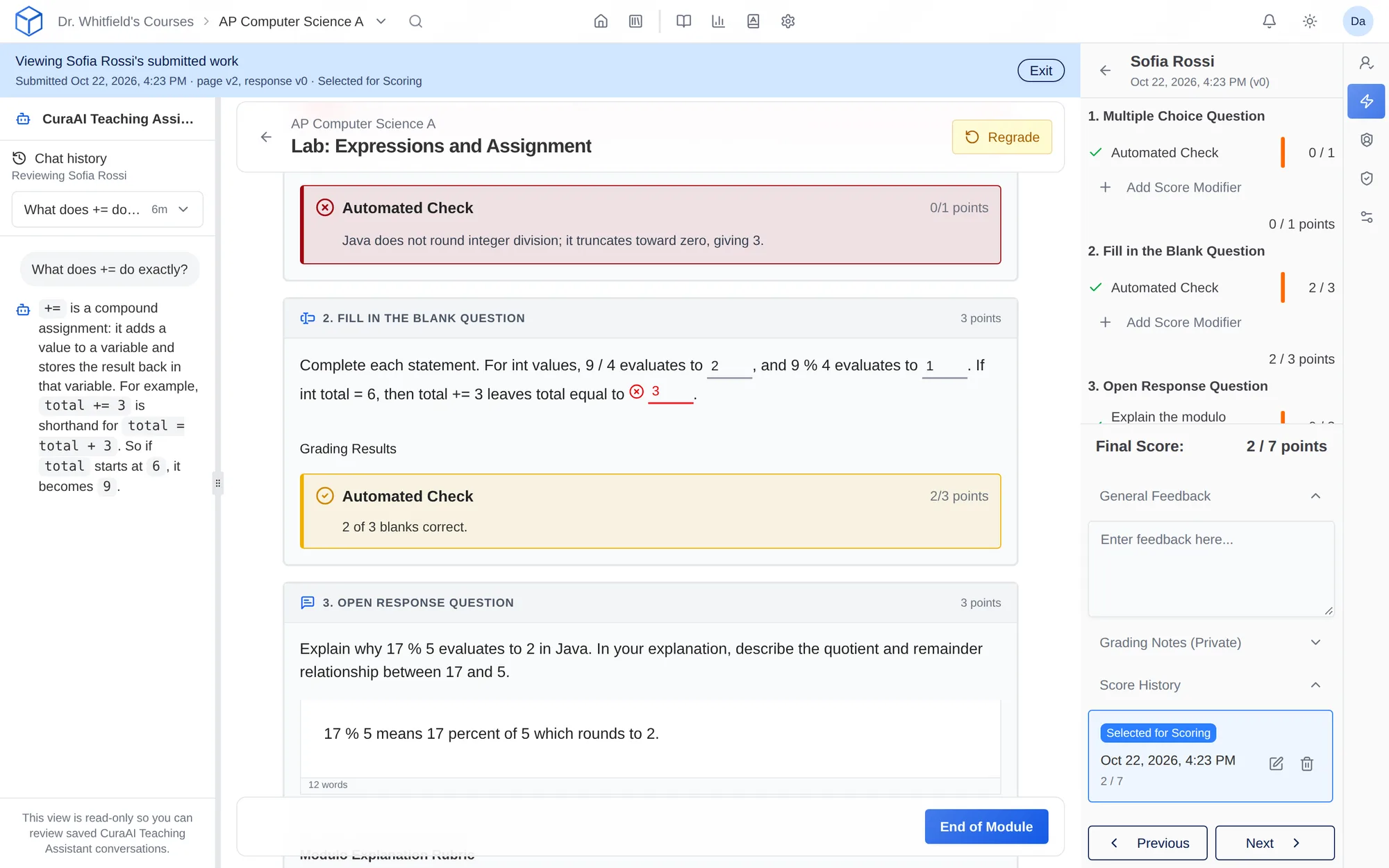
How do I use it?
- Add a rubric to an activity.
- Add the criteria you’ll grade by hand, with AI, or with code, and give each one points.
- Work through submissions in Lightning Grader and release grades when you’re ready.
Features
AI grading criteria
Write what you’re looking for and describe each score level. The AI grades against your descriptions, and you can review every score.
Code tests
For coding work, each test runs the program with your input and checks the output. Add a test for each case you care about.
Manual grading
Grade by hand when the work needs your judgment.
Questions
Can I mix grading methods?
Yes, where the activity supports it. A coding exercise, for example, can combine automatic tests with items you grade yourself.
What do I provide for AI grading?
Describe what you’re looking for and what each score level means. The clearer your descriptions, the more consistent the grading.
Which plans include AI grading?
Every plan, including free Starter. Starter courses get fewer AI credits, so for a whole class over a term, Core or Pro is a better fit.
Works with other tools
Use these together in the same course.