 CuraCourse
Turn your activity blocks into an exam.
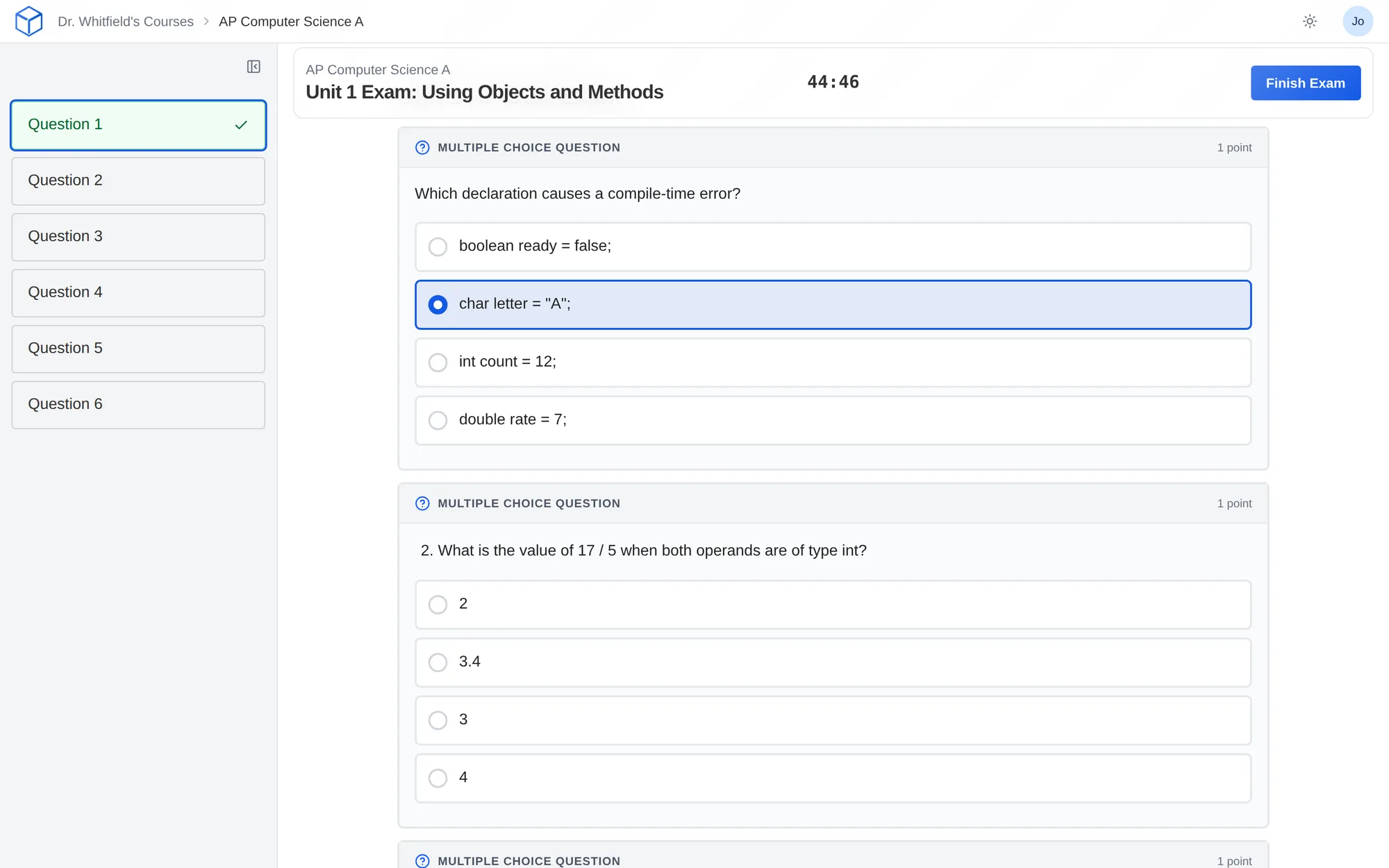
Build an exam from the same questions you use in lessons, with a timer, attempt limits, and control over when grades come out.
What does it do?
Turn the questions you already write for lessons into a timed exam. Set the time limit, how students move through it, how many attempts they get, and when they see their grades.
Who is it for?
K–12 teachers
Build a timed test from questions you already know how to write.
Higher education instructors
Control attempts and when grades are released.
Students
Start, work through, and submit the exam in one place.
What it looks like
How do I use it?
- In your course, choose Add Content → Add Lesson → Exam.
- Add your questions, then set the timer and navigation.
- Choose attempts and grade release, preview it as a student, and make it visible.
Features
The same question blocks
Use the question types you already know from your lessons. Students start the exam, work through it, and submit in one place.
Timing and navigation
Set a time limit, show one question at a time, and stop students from going back if you want.
Access and attempts
Choose who can see the exam, add a password, decide when grades are released, and set the number of attempts. New exams allow one.
Exam alerts
See when a student leaves the tab or exits full screen. Treat it as a reason to look closer. It isn’t proof of cheating and doesn’t replace proctoring.
Why faculty use it
- Exams use the same question types students practiced with all term, including code and math.
- You control timing, navigation, attempts, and when grades come out.
- Alerts tell you when a student left the exam, so you know where to look.
Questions
Are exams available on every plan?
Exams are in beta. They’re included with Pro and available as an add-on with Core.
Can students use instant feedback or CuraAI during an exam?
No. Instant feedback and the AI tutor are turned off during exams.
Does this lock down the student’s computer?
No. CuraCourse can tell you when a student leaves the tab or full screen, but it can’t stop them from using another device or app.
Can I replay how a student worked through an exam?
Not yet. Exam replay is coming soon. It will play back keystrokes and flag moments worth a second look. Request this feature
Works with other tools
Use these together in the same course.