 CuraCourse
Give students a conversation to practice.
Students practice an interview, a role-play, or explaining their reasoning, in a conversation you set up.
What does it do?
Students practice a conversation, like a job interview, a patient interview, or defending their reasoning. AI can play the other side, or you can script the replies or mix both. You grade against goals you set.
Who is it for?
Instructors teaching communication
Let students rehearse an interview or role-play before the real thing.
STEM teachers
Have students explain and defend their reasoning.
What it looks like
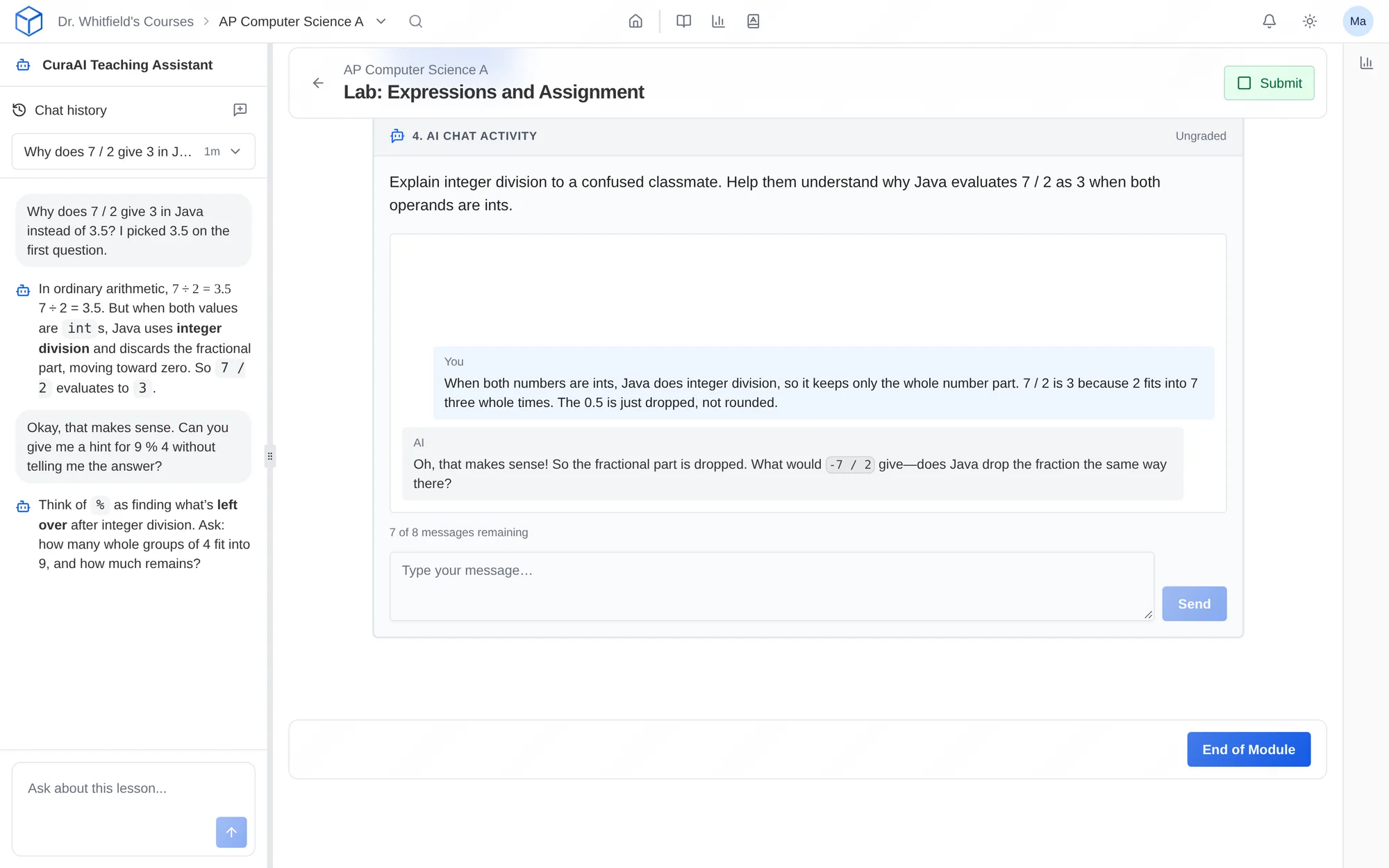
How do I use it?
- Add an AI Chat activity to your lesson.
- Choose AI, scripted replies, or a mix of both.
- Describe the role, set goals and points, and try the conversation yourself.
Features
Conversation modes
Have the AI play a role you describe, script the replies yourself, or mix the two. Set a message limit and choose whether students can attach files.
Objectives and points
Give points for taking part, and for goals you set, such as using a key term or asking a follow-up question.
Conversation restrictions
Choose a safety level, limit the subject, and block specific phrases. Filters don’t catch everything, so read the conversations.
Questions
Can I use a scripted conversation?
Yes. Write the replies yourself for a fully scripted conversation, or combine scripted replies with AI.
How are objectives scored?
Give points for taking part, and for each goal you set, such as using a key term or asking a follow-up question.
Works with other tools
Use these together in the same course.