 CuraCourse
Learn anywhere, accessibly
Accessible and mobile-friendly, on any device.
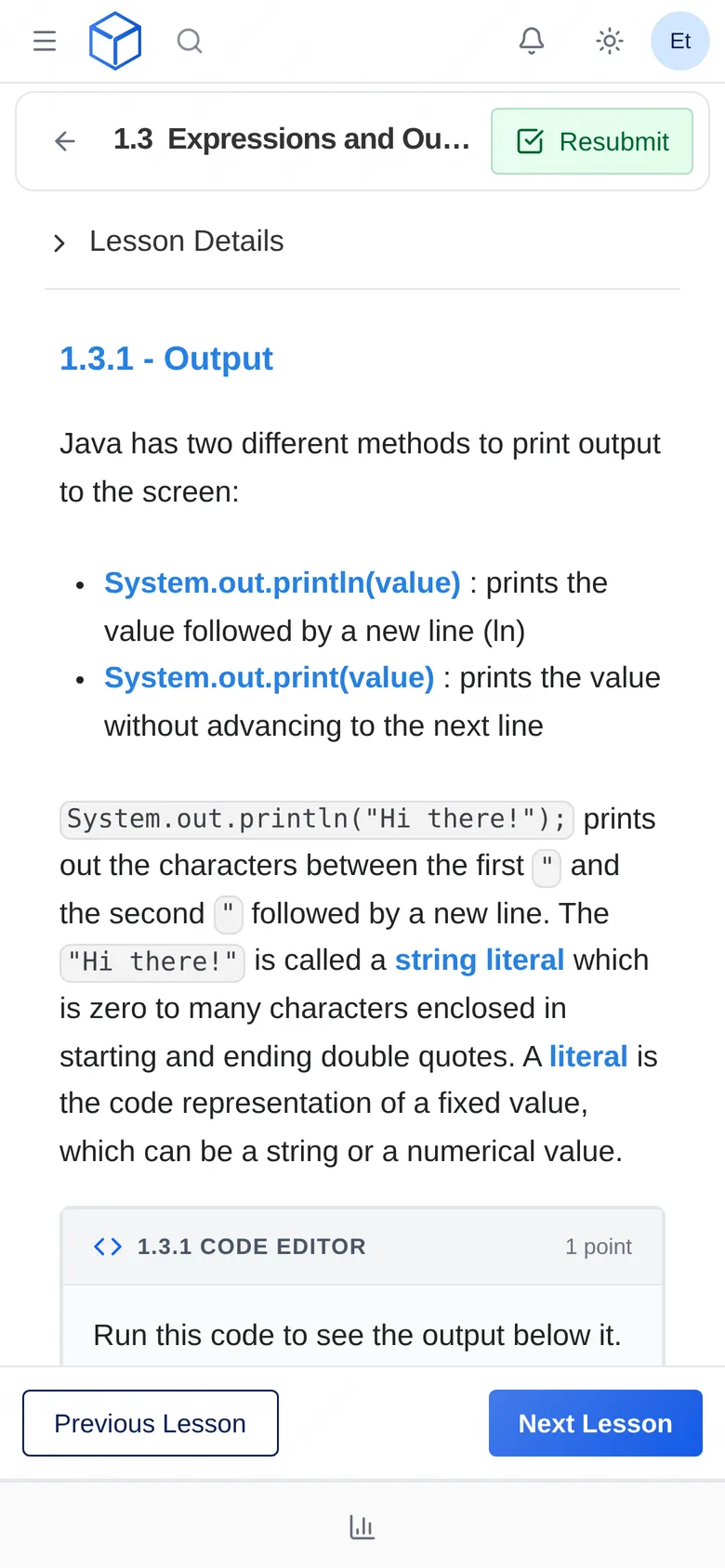
Lessons work on phones, tablets, and laptops, and we design CuraCourse to meet WCAG 2.1 AA.
What it looks like
How do I use it?
- Write lessons with clear headings, alt text, and captions.
- Preview the lesson as a student on a phone and with a screen reader.
- Offer a written alternative for drag, graph, or code-editor activities when a student needs one.
Features
Any device
Lessons adapt to the screen, so students can read and practice on whatever they have.
Designed for WCAG 2.1 AA
We design CuraCourse to work with screen readers and other assistive technology. Email us if your school needs our VPAT.
Guidance for your lessons
Accessibility depends on your content too. Our guide covers headings, alt text, captions, and activity alternatives.
Why faculty use it
- Students study on whatever device they have.
- Accessibility is part of the design from the start.
Questions
Do you have a VPAT?
Yes, on request. Email us and we’ll send it, and work through any other accessibility requirements with you.
Works with other tools
Use these together in the same course.